
Thursday, October 15, 2026·5 min read
An AI writing assistant can read your approved terms over MCP


Can an AI writing assistant use your approved terminology?
Yes. As of October 2026, the TextUnited MCP server lets AI assistants such as Claude, Cursor, Microsoft Copilot and the ChatGPT desktop app look up your approved terms while they write. MCP (Model Context Protocol) is an open standard that lets an AI assistant call outside tools and data during a task.
Content teams now draft product pages with an AI assistant. Without that connection, the assistant writes clean, confident German. What it does not know is which German words your company has approved.
So it picks a plausible synonym. The word is rarely wrong in German. It is just not the one your team chose, and that difference shows up later in filters and search.
Below is one German product page, drafted twice: once without the TextUnited MCP server and once with it.
What happens when the assistant has no approved terminology?
The assistant picks a correct German word that your team never approved. Nothing in the chat tells it which term the company chose, so the draft drifts from your approved terminology. Readers still understand the page, but filters and search treat it as a different product.
A writer on the marketing team is drafting a German page for a new bag. The English source calls the material "vegan leather". She asks her AI assistant to write the German product description.
The draft reads well. It describes the bag as made from "veganes Leder".
That is not a mistake, exactly. It is one of three correct German names for the material, alongside Kunstleder and Lederimitat. But your team already chose one. When the terms for this material were reviewed before translation, a person approved "Kunstleder" for every German description.
The assistant never saw that decision. "Veganes Leder" is the natural match for the English, so it picked it. Nothing in the chat window told it that your company had already settled the question.
Now the new bag sits on a different word from the rest of the range. A shopper who ticks the Kunstleder filter does not see it. The product is in stock and well described, and invisible to anyone who used the approved word.
What changes when the MCP server is connected?
Same writer, same assistant, same request. This time the TextUnited MCP server is connected. Before it writes, the assistant searches the terminology for "vegan leather" in German and gets back the concept:
The draft now says "Kunstleder". The assistant also knows which words to avoid, because every term in a TextUnited terminology concept carries a status, such as Preferred, Accepted or Rejected.
The writer did nothing extra. She did not open another tool, search a spreadsheet or message the German team. The check happened inside the assistant she already uses.
Her token is read-only. She can look terms up but cannot change them. A read-only token does not even show the assistant the tools that write, so the option never comes up.
Why should the assistant and translation read the same term record?
Because one approval then covers both jobs. The translation engine enforces the approved term in every job, and the AI assistant reads the same term while a writer drafts. Neither side can work from an outdated list, and nobody has to maintain a second one.
The term the assistant read is the one a person approved in Step 2 of how a product catalogue sends new descriptions to translation without an exported file. It is not a copy pasted into a prompt, or a glossary in a shared drive. It is the same repository that approval step feeds.
In TextUnited, that one record serves two jobs:
- Translation. The translation engine enforces the approved term in every job, whether a person or a machine translates.
- Writing. The AI assistant reads the same term while a writer drafts content in German from scratch.
When the approved term changes, both see the change. There is no second list to update and no prompt to rewrite.
Compare that with pasting a glossary into your prompt. The pasted list goes stale the day someone approves a new term. It also belongs to one model and one chat, so the next writer starts without it.
In TextUnited, changing terms is a separate permission. Only the people who own your terminology get write access, and every change carries the name of the person whose token made it.
What can the TextUnited MCP server do?
As of October 2026, the TextUnited MCP server covers terminology, style guides and translation, including text and whole-file translation. The writing flow in this article uses the terminology part. The full list is in what the TextUnited MCP server can actually do.
Only a Published style guide applies during translation. Draft guides are not used, so work in progress never leaks into translated text.
It works with installed AI assistants, such as Claude, Cursor, Microsoft Copilot and the ChatGPT desktop app. The browser version of ChatGPT does not support MCP. In Copilot Business and Enterprise, an administrator has to switch on the MCP policy first.
Connecting the server adds nothing to your TextUnited invoice. Your assistant's model usage is billed by whoever provides it, as it is today.
How do I connect it?
Your IT team connects the TextUnited MCP server once. After that, writers keep drafting in the assistant they already use, and it answers with your company's words instead of the most common ones on the web.
If your terms are not settled yet, start with how a catalogue approves terms before translation.
If they are already in TextUnited, how to connect the TextUnited MCP server walks you through the setup step by step, and the MCP server page has the product details.
Want to see it with your own terms?
Book 30 minutes with our team and bring one product page you have already published
Frequently asked questions
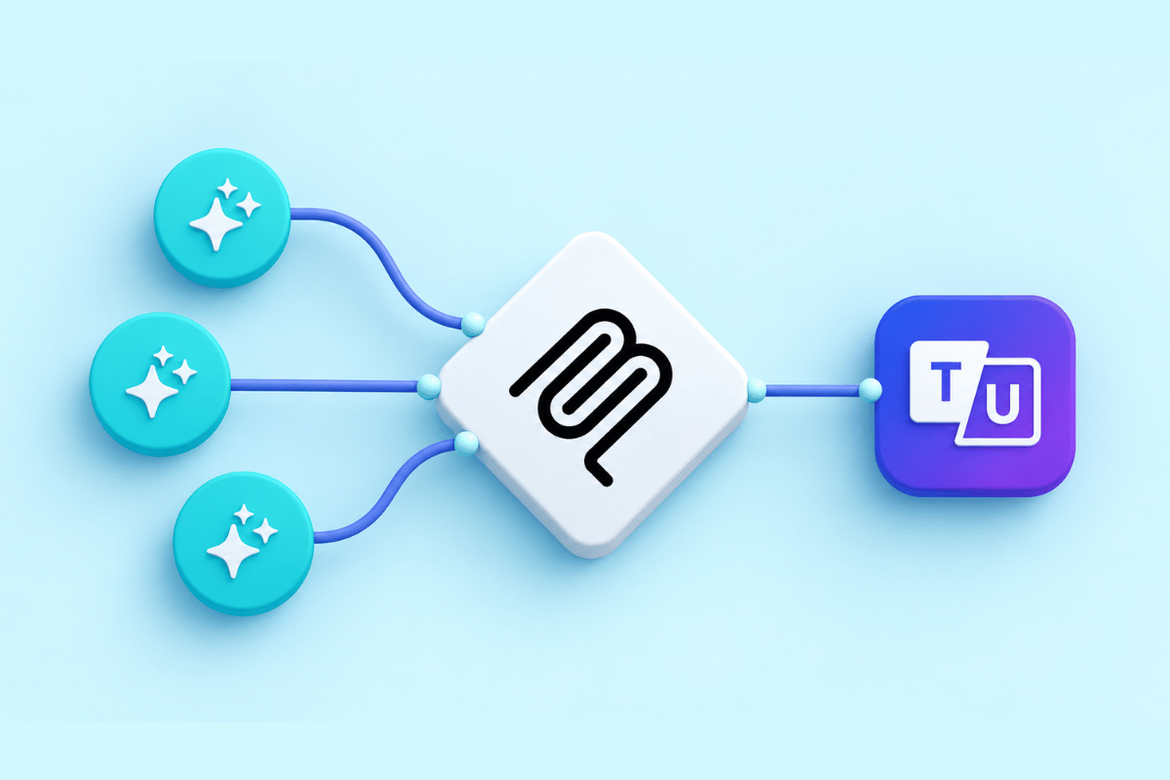
How the TextUnited MCP server brings your approved terms into the assistant you write in.
Related Posts
What the TextUnited MCP server can actually do


Connecting the TextUnited MCP server to your favorite AI tools


How a product catalogue sends new descriptions to translation without an exported file